



How to Improve Email Deliverability and Stop Emails Going to Spam
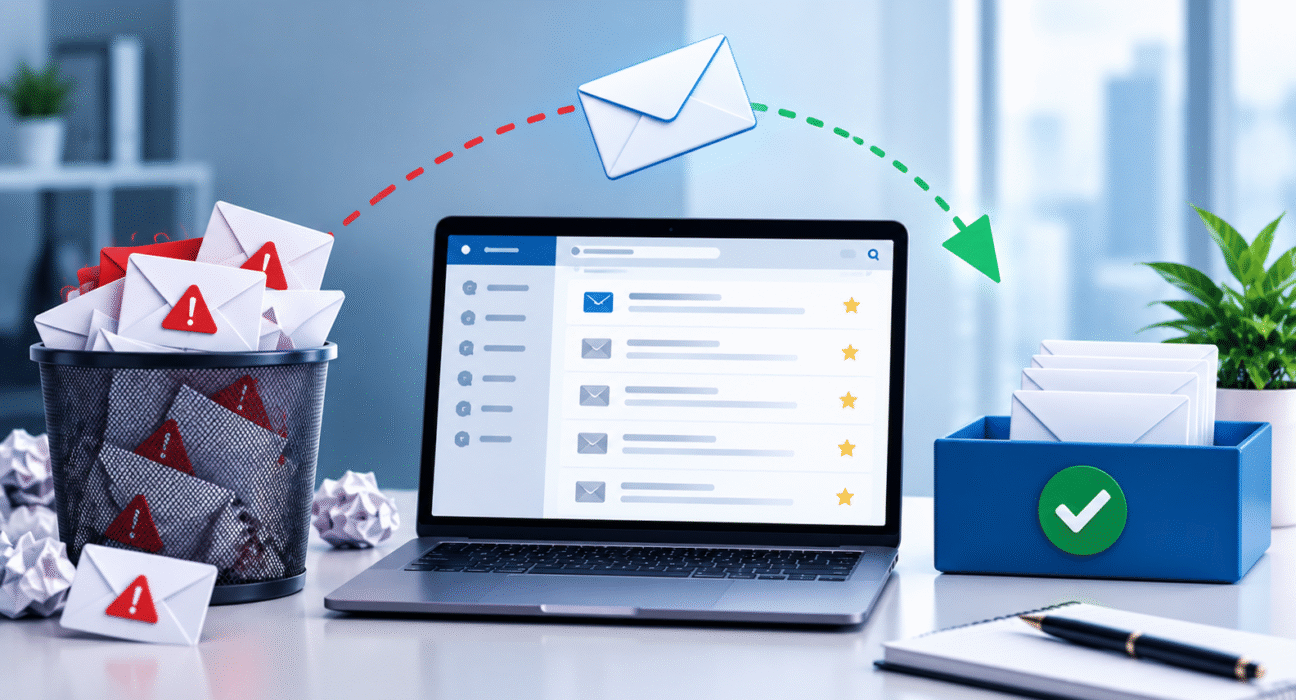
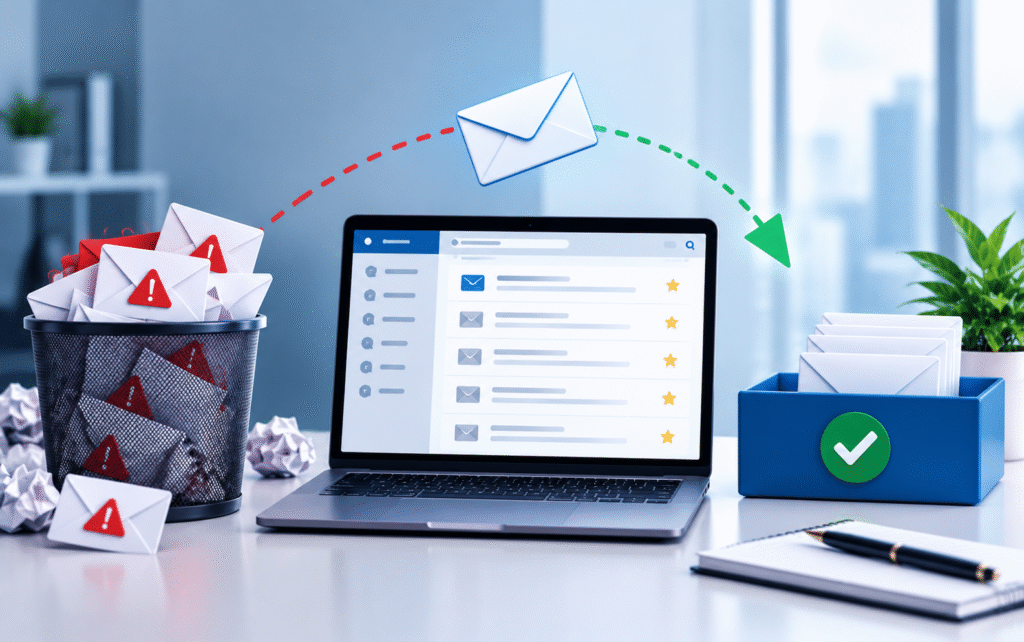
Getting an email delivered to the recipient’s mail server doesn’t mean it will reach the inbox. Gmail, Outlook, Yahoo and other providers assess each message before deciding where to place it. A legitimate campaign can still land in spam if your domain has poor authentication, weak sender reputation or a history of low engagement.
Improving email deliverability requires attention to several parts of your email programme. You need the right technical setup, a clean mailing list and sending practices that give mailbox providers good reasons to trust your messages.
Table of Contents
Start With SPF, DKIM and DMARC
Email authentication should be one of the first things you check when emails regularly end up in spam.
SPF (Sender Policy Framework): It tells receiving servers which systems can send emails on behalf of your domain. If your email platform isn’t included in your SPF record, receiving servers may treat messages from that platform with suspicion.
DKIM (DomainKeys Identified Mail): It adds a digital signature to outgoing messages. The receiving server checks that signature against a public key published in your domain’s DNS records. A valid DKIM signature helps to verify that the message has not been changed and that the sending system has permission.
DMARC (Domain-based Message Authentication, Reporting and Conformance): It builds on SPF and DKIM. It tells receiving servers what to do when an email fails authentication and provides reporting that can help you identify the sources sending email using your domain.
Check all three records before increasing your sending volume. A technically incorrect DNS configuration can undermine otherwise good email practices.
Build and Protect Your Sender Reputation
Mailbox providers look at your sending history when assessing new messages. Your domain and sending infrastructure develop a reputation based partly on how recipients interact with your emails.
High complaint rates, repeated bounces and large volumes of unwanted mail can damage that reputation. Strong engagement can help support it.
Avoid suddenly sending a large campaign from a domain that has little or no established sending history. If you’re starting with a new domain or email programme, gradually increase the volume and monitor your delivery results as you go.
Your reputation also depends on consistency. Sending 500 emails one week and 50,000 the next can create a very different pattern from a predictable sending schedule.
Keep Your Email List Clean
A mailing list isn’t an asset simply because it contains thousands of addresses. Old, invalid and unengaged contacts can create deliverability problems.
Remove hard bounces promptly. If an address repeatedly fails to receive your messages, continuing to send to it serves little purpose.
You should also review subscribers who haven’t opened or clicked your emails for a long period. The right approach depends on your business and sales cycle. A customer who buys once a year shouldn’t necessarily receive the same treatment as someone who normally engages every week.
Consider running a re-engagement campaign before suppressing long-term inactive subscribers. Give them a clear reason to stay subscribed and make it straightforward for them to leave.
Get Clear Consent From Subscribers
Permission matters. People who don’t expect your emails are more likely to ignore them, mark them as spam or unsubscribe.
Use a clear opt-in process when collecting email addresses. Tell people what they’ll receive and, where appropriate, how often they can expect to hear from you.
Never purchase email lists. When you buy databases, they often contain old addresses and people who never agreed to receive your messages. Even if an email platform technically allows you to upload such a list, complaints that result from doing so can damage your sending reputation.
Keep records of consent so you can understand where contacts came from and why they’re receiving your emails.
Make Unsubscribing Easy
A difficult unsubscribe process can create unnecessary spam complaints.
Make it easy to unsubscribe from your marketing emails. If a recipient no longer wants your messages, it’s better for your deliverability to remove them quickly rather than continue to send until they mark the email as spam.
Also, when doing bulk and promotional emails, make sure to follow the rules and sender guidelines of the mailbox providers you are targeting. For example, Gmail and Yahoo have introduced new rules for senders of large volumes of emails, such as stronger authentication and easier ways for recipients to unsubscribe.
Segment Your Audience
Sending the same email to everyone on your list can hurt engagement.
A subscriber who signed up for product updates may have little interest in a promotional offer intended for existing customers. Similarly, someone who hasn’t interacted with your emails for months shouldn’t necessarily receive the same volume as an active subscriber.
Use available customer and engagement data to create relevant segments. You might separate new subscribers from existing customers, recent purchasers from prospects or highly engaged contacts from inactive subscribers.
Better targeting can lead to more useful interactions and fewer messages that people ignore.
Pay Attention to Email Content
Content alone doesn’t determine whether an email reaches the inbox, but it still matters.
Avoid making every campaign look like a hard sales pitch. Excessive promotional language, misleading subject lines or content that doesn’t match the recipient’s expectations can increase negative engagement.
Your subject line should accurately describe the email. The body should deliver what the subscriber expected when they signed up.
Also check your links, images and HTML. Broken links, poorly formatted templates and unusual redirects can create problems for recipients and may affect how your emails are viewed or assessed.
Control Your Sending Volume
Large changes in sending volume can affect deliverability, particularly for newer domains or sending systems.
If you have a substantial list, don’t assume that sending everything at once is always the best option. A controlled sending schedule gives you time to monitor bounces, complaints and engagement.
For established programmes, maintain a sending pattern that makes sense for your audience. If you usually send one newsletter each week, suddenly sending several messages a day may lead to higher unsubscribes and complaints.
Your sending frequency should match what subscribers agreed to receive.
Monitor the Right Deliverability Metrics
You can’t improve deliverability effectively if you only look at open rates.
Monitor metrics such as:
- Hard and soft bounce rates
- Spam complaints
- Unsubscribe rates
- Click and conversion activity
- Delivery failures
- Engagement by subscriber segment
Also monitor your domain and authentication setup regularly. If a new email service, CRM or transactional platform starts sending from your domain, make sure the relevant authentication records cover it. A sudden increase in bounces or complaints deserves investigation rather than another campaign.
Test Before Sending at Scale
A simple pre-send check can catch problems before they affect thousands of recipients.
Send test emails to accounts across major providers such as Gmail, Outlook and Yahoo. Make sure authentication passes, links work, images appear correctly and the unsubscribe option works as expected.
If you’ve recently changed your DNS records, email service provider or sending domain, test the setup again before launching a large campaign.
Deliverability Starts With Trust
There isn’t one setting that guarantees inbox placement. Email deliverability comes from the combined effect of authentication, sender reputation, list quality, subscriber consent, engagement and sending behaviour.
Begin with the basics. Authenticate your domain with SPF, DKIM and DMARC. Remove bad addresses. Stop sending emails to people who don’t want to be emailed. Keep your campaigns relevant and segment your audience. Then watch the results closely.
But if emails are already going to spam, don’t just change the subject line and send another campaign. First, find the underlying problem. That usually gives you a much better chance to get reliable inbox placement again.